Atilla Gökçe

580 California St., Suite 400
San Francisco, CA, 94104
Richard Startz, University of California, Santa Barbara


AI
EViews Illustrated for Version 8 serves as a comprehensive guide for users looking to understand the functionalities of EViews software. It begins with a quick overview of essential features, including data handling, statistical modeling, and forecasting. The text emphasizes user engagement through practical examples and step-by-step instructions, aiding both novice and seasoned users in maximizing the software's capabilities.


![Prior to this step the title bar of the equation window read “Equation: untitled.” Using th
[Name] button changed two things: the equation now has a name which appears in the titl
bar, and more importantly, the equation object is stored in the workfile. You can see thes:
changes below. If you like, close the equation window and then double-click on
[E] pre_break_equation to re-open the equation. But don’t take the break quite yet!](https://figures.academia-assets.com/55747690/figure_020.jpg)













![gives a numerical date series which is then available for further manipulation.
The function @datestr(x[,fmt]) translates the number in X into a text string. A second
optional argument specifies a format for the date. As examples, @datestr (731946) pro-
duces “1/1/2005”; @datestr (731946,"Month dd, yyyy") gives “January 1, 2005”; and
@datestr (731946, "ww") produces a text string representation of the week number, “6.”
More date formats are discussed in the User’s Guide.
@makedate translates ordinary numbers into date numbers, for example
@makedate (1999, "yyyy") returns 729754, the first day in 1999. The format strings usec
for the last argument of @makedate are also discussed in the User’s Guide.](https://figures.academia-assets.com/55747690/figure_076.jpg)


![EViews has lots of functions for transforming data. You’ll never need most of these func-
tions, but the one you do need you’ll need bad.
Value maps can be used to group a range of codes for the purpose of display. Instead of a sin-
gle value in the value map, enter a range in parentheses. For example “(-inf, 12)” specifies
all values less than 12. Parentheses are used to specify open intervals, square brackets are
used for closed intervals. So “(-inf, 12]” is all values less than or equal to 12.](https://figures.academia-assets.com/55747690/figure_079.jpg)
























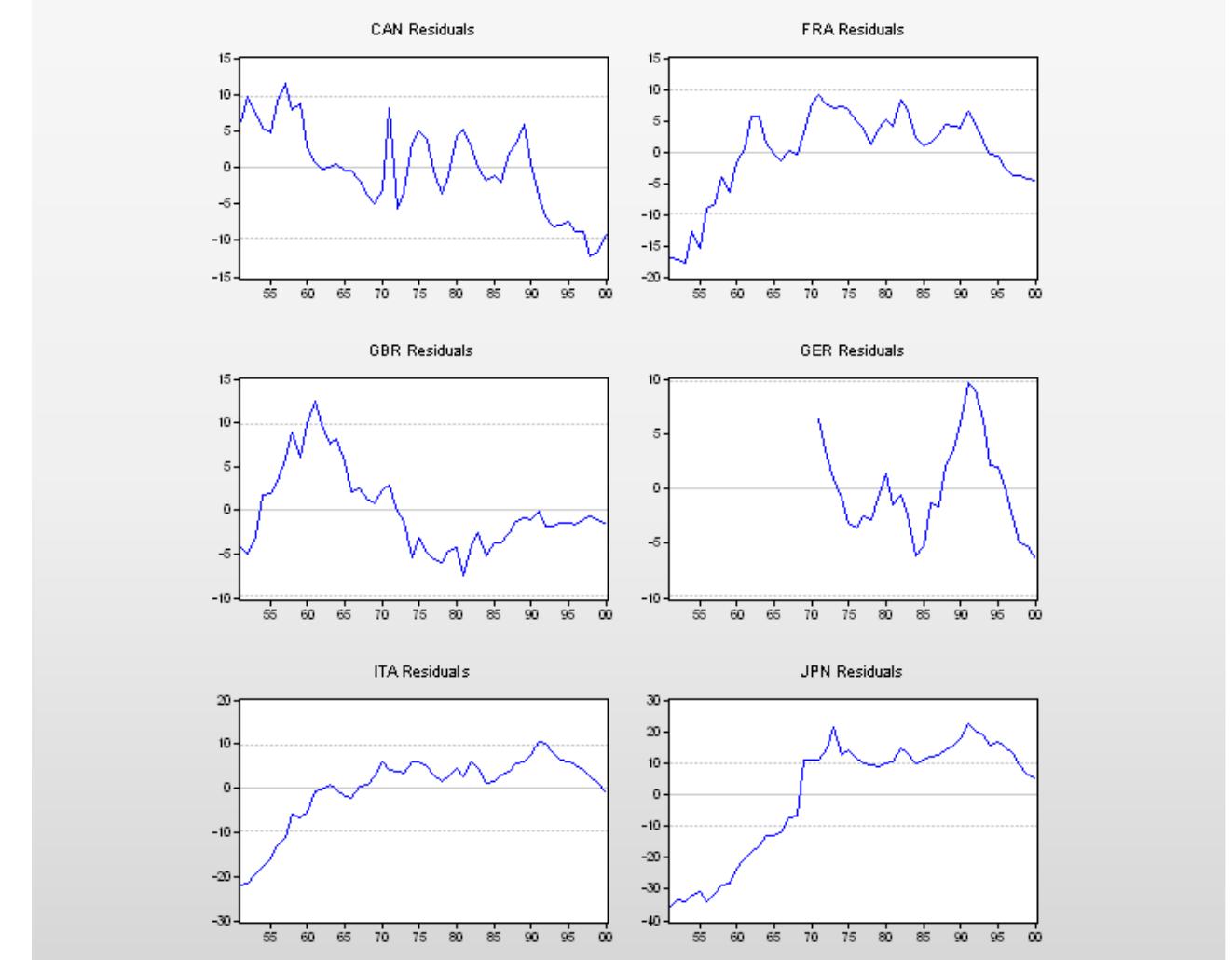


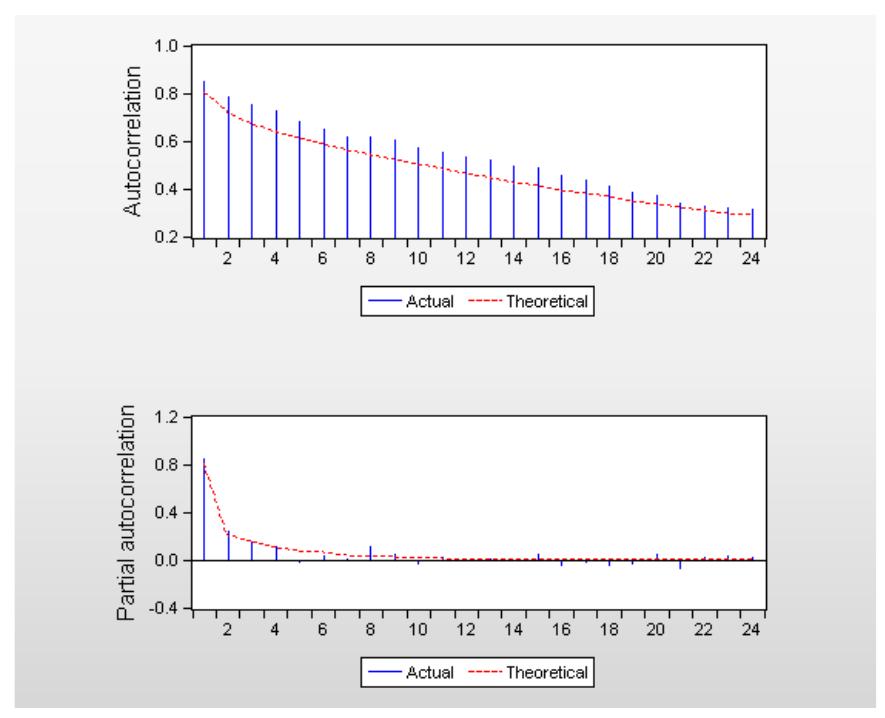
![A different approach to checking for serial correlation is to plot the correlation of the resid-
ual with the residual lagged once, the residual with the residual lagged twice, and so on. As
we saw above in The Correlogram, this plot is called the correlogram of the residuals. If there
is no serial correlation then correlations should all be zero, except for random fluctuation.
To see the correlogram, choose Residual Diagnostics/Correlogram - Q-statistics... from the
View] menu. A small dialog pops open allowing you to specify the number of correlations to
show.](https://figures.academia-assets.com/55747690/figure_273.jpg)